O pedido chega.
O cliente pede a proposta aprovada antes da reunião.

PRODUTO
Pergunte no chat. Veja a fonte. Confirme antes de enviar. Outlook envia. WhatsApp abre como handoff.
Outlook, OneDrive, SharePoint, Google Drive e uploads no mesmo fluxo.
30 dias grátis. Depois R$170/mês. Cancele quando quiser.
ACHAR NÃO BASTA
O pedido chega. A busca passa por e-mail, anexo, pasta, OneDrive, SharePoint e upload.
A busca parte de seis lugares diferentes e converge para a dúvida sobre qual versão pode ser enviada.
DO PEDIDO AO ENVIO
Cinco etapas do momento em que o pedido chega até o envio revisado.
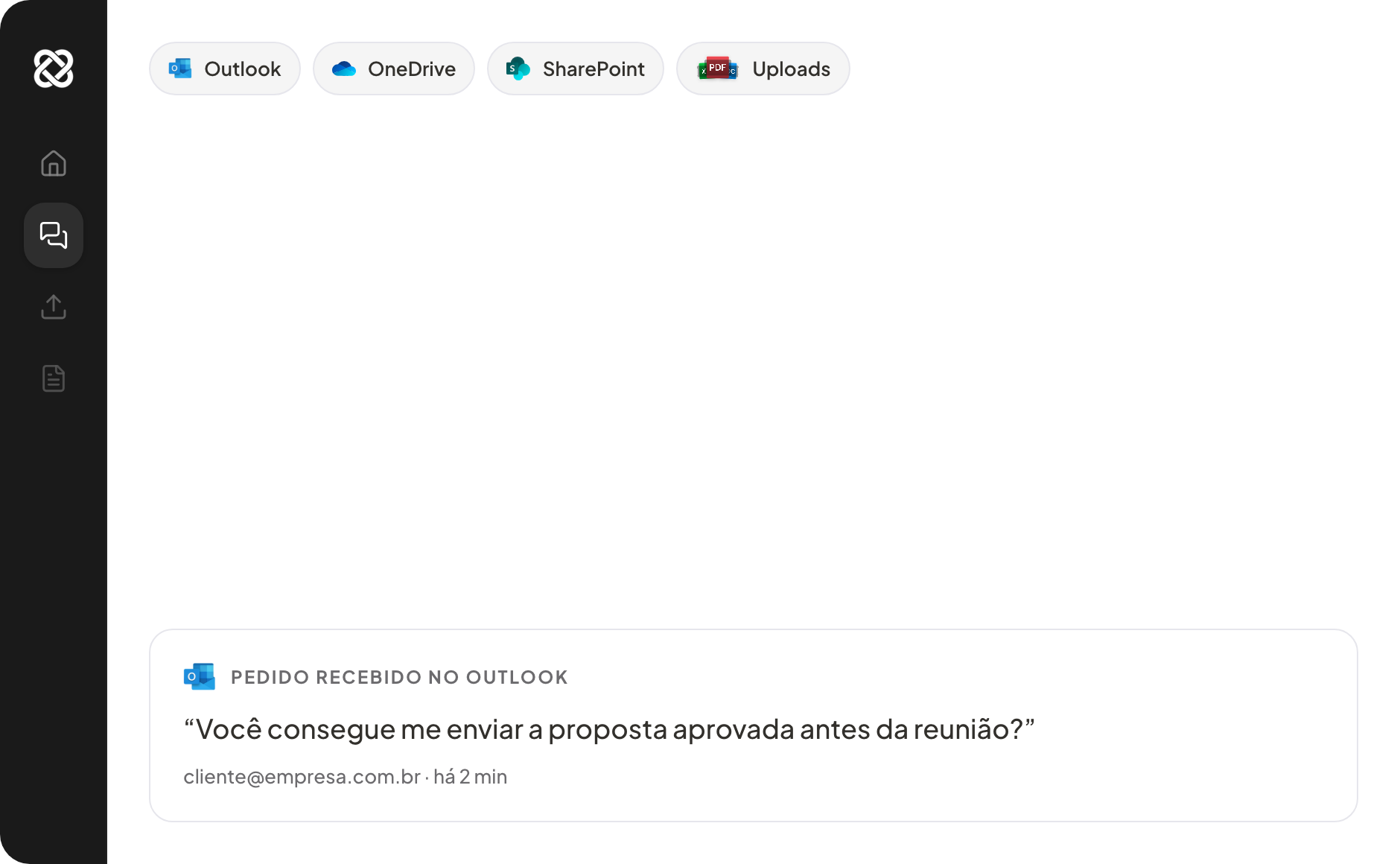
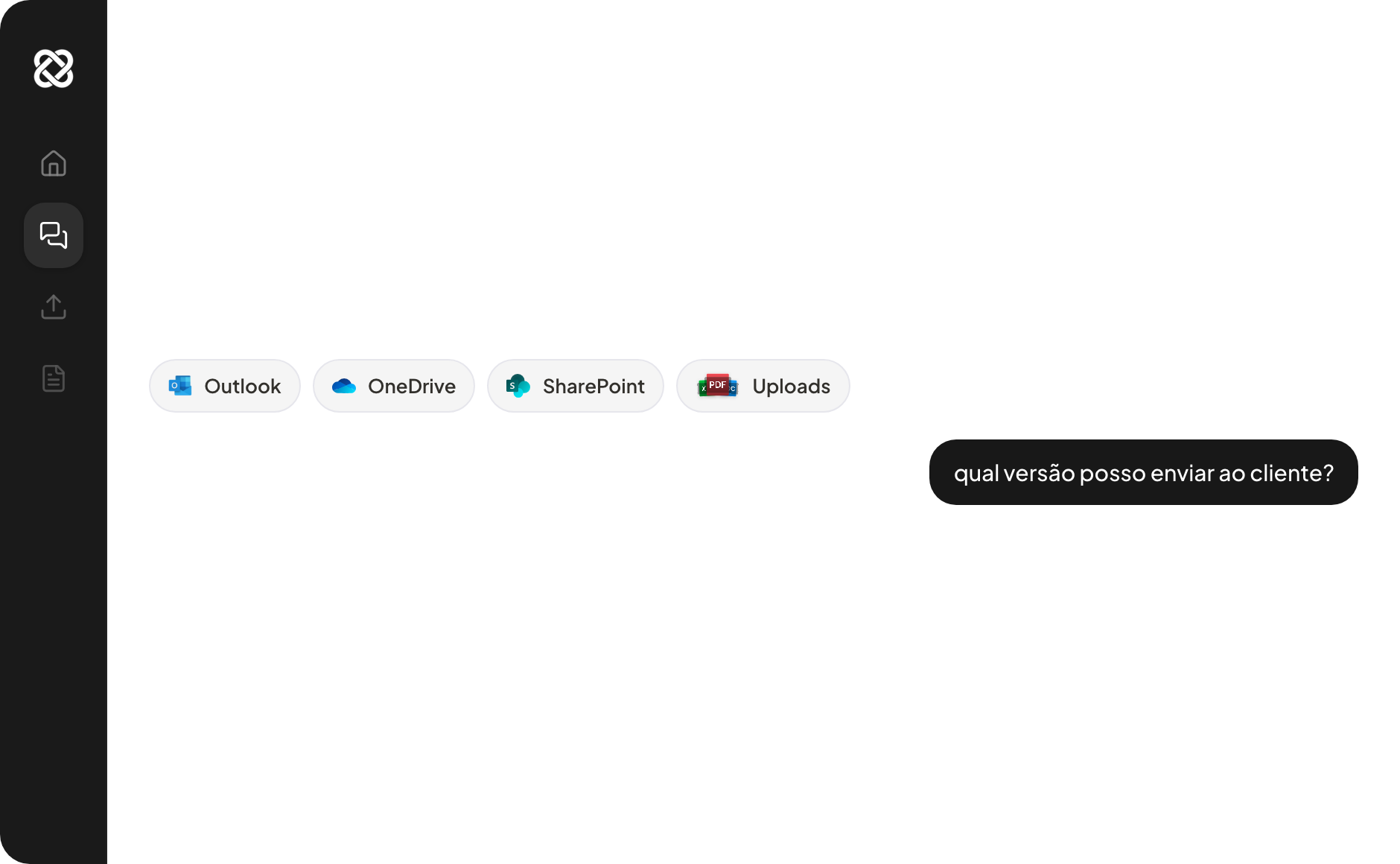
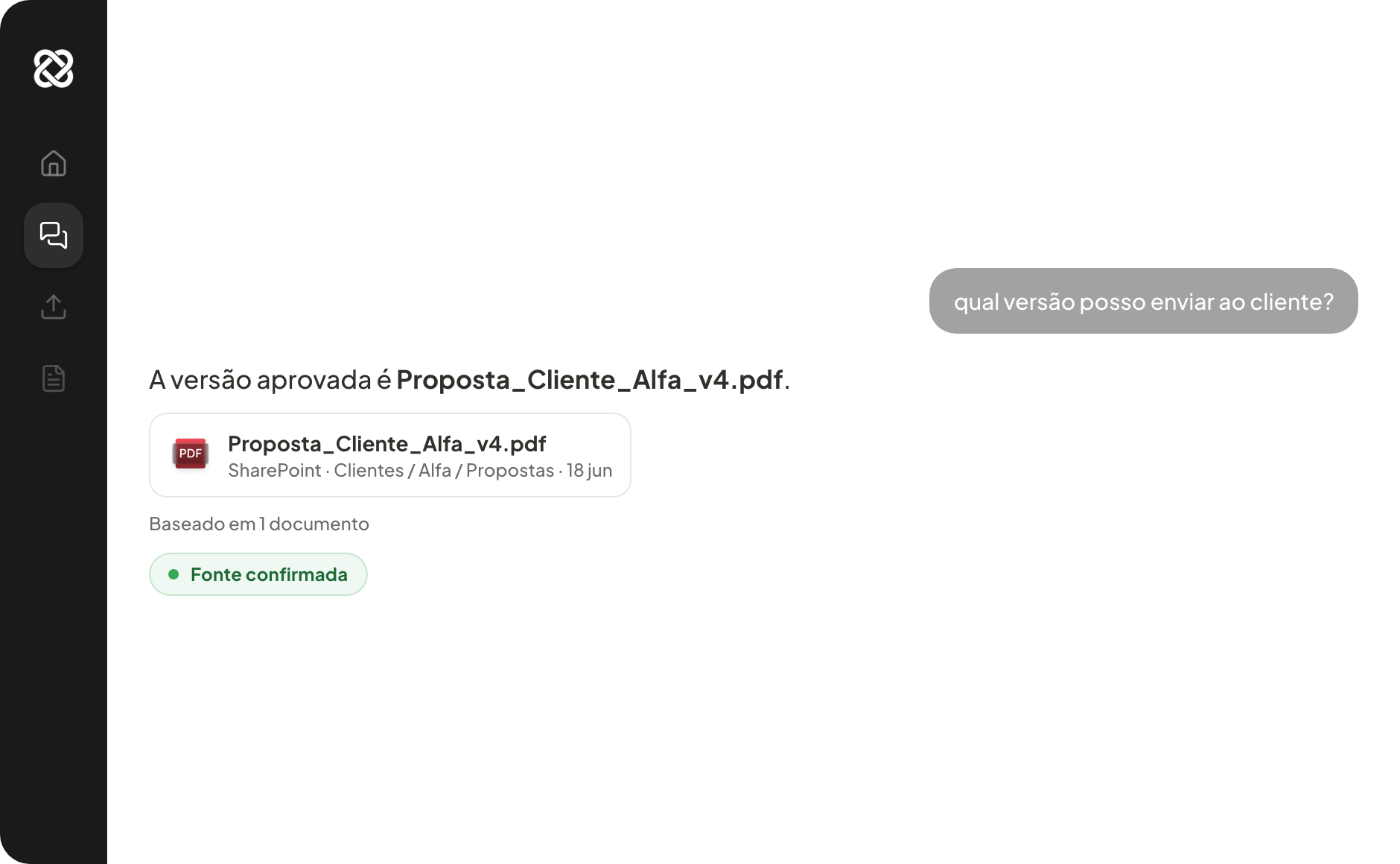
O cliente pede a proposta aprovada antes da reunião.
Pergunte como falaria com alguém do time.

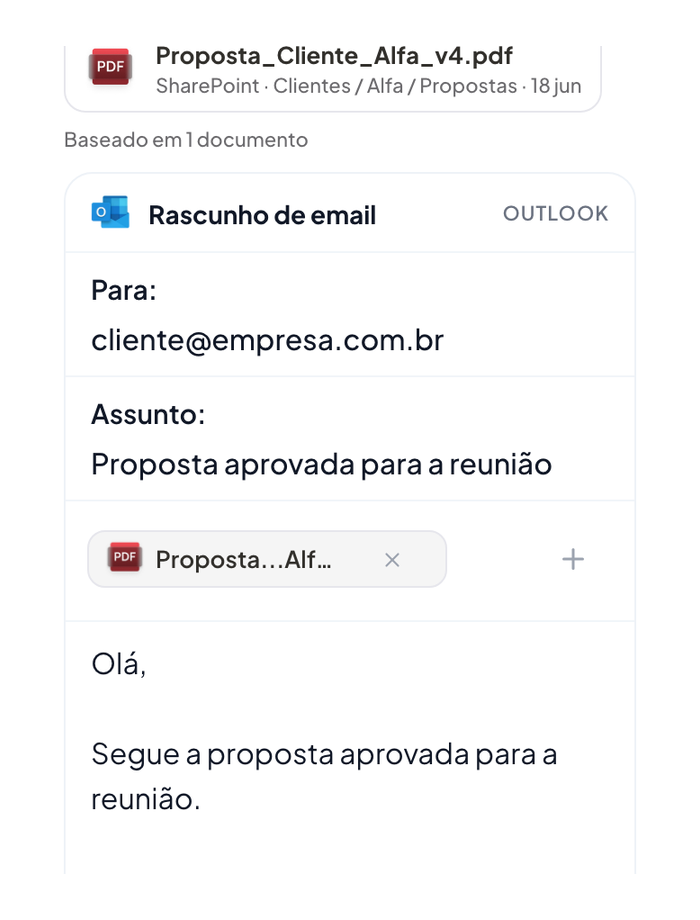
O arquivo aparece junto da origem usada pelo Allybi.

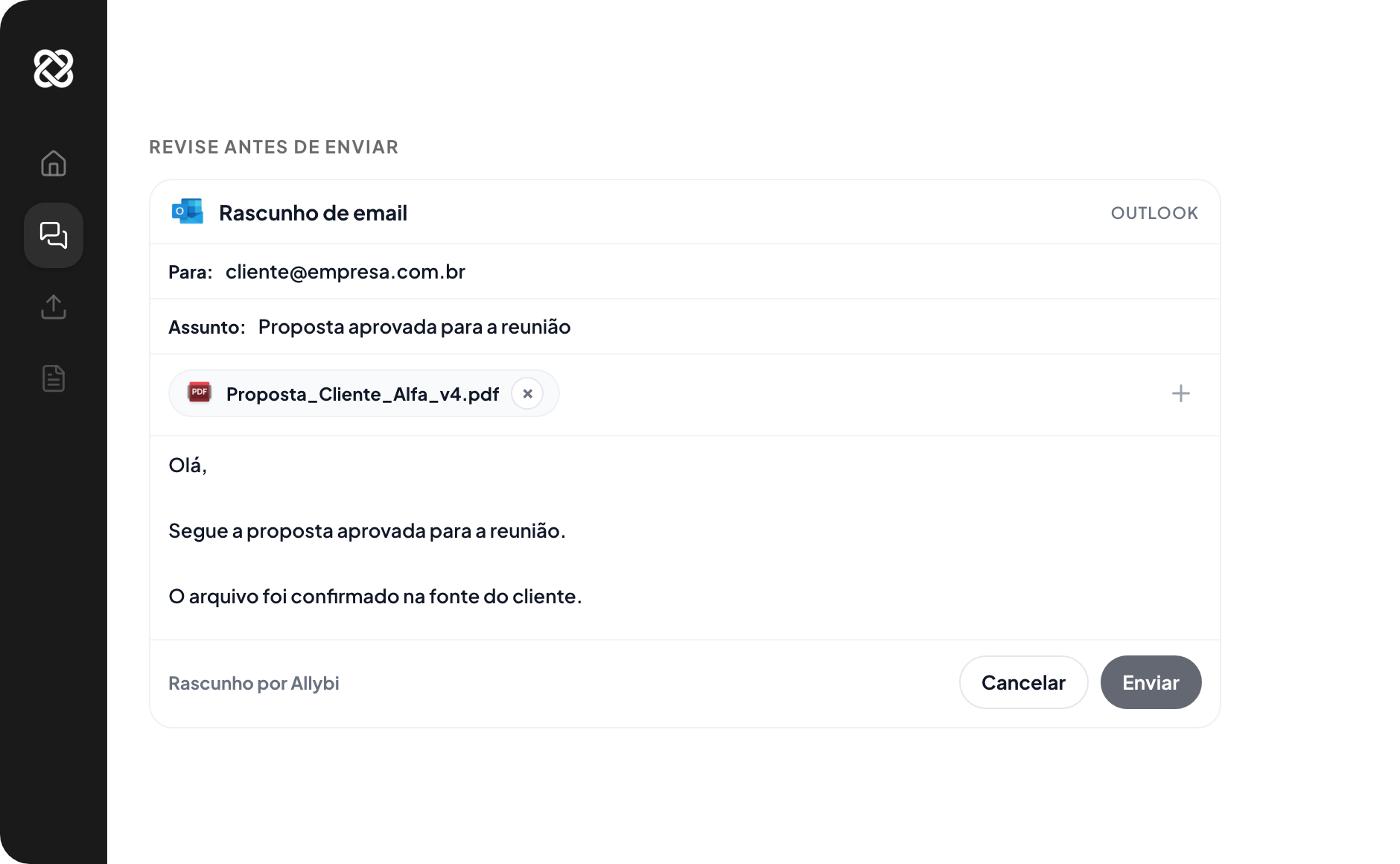
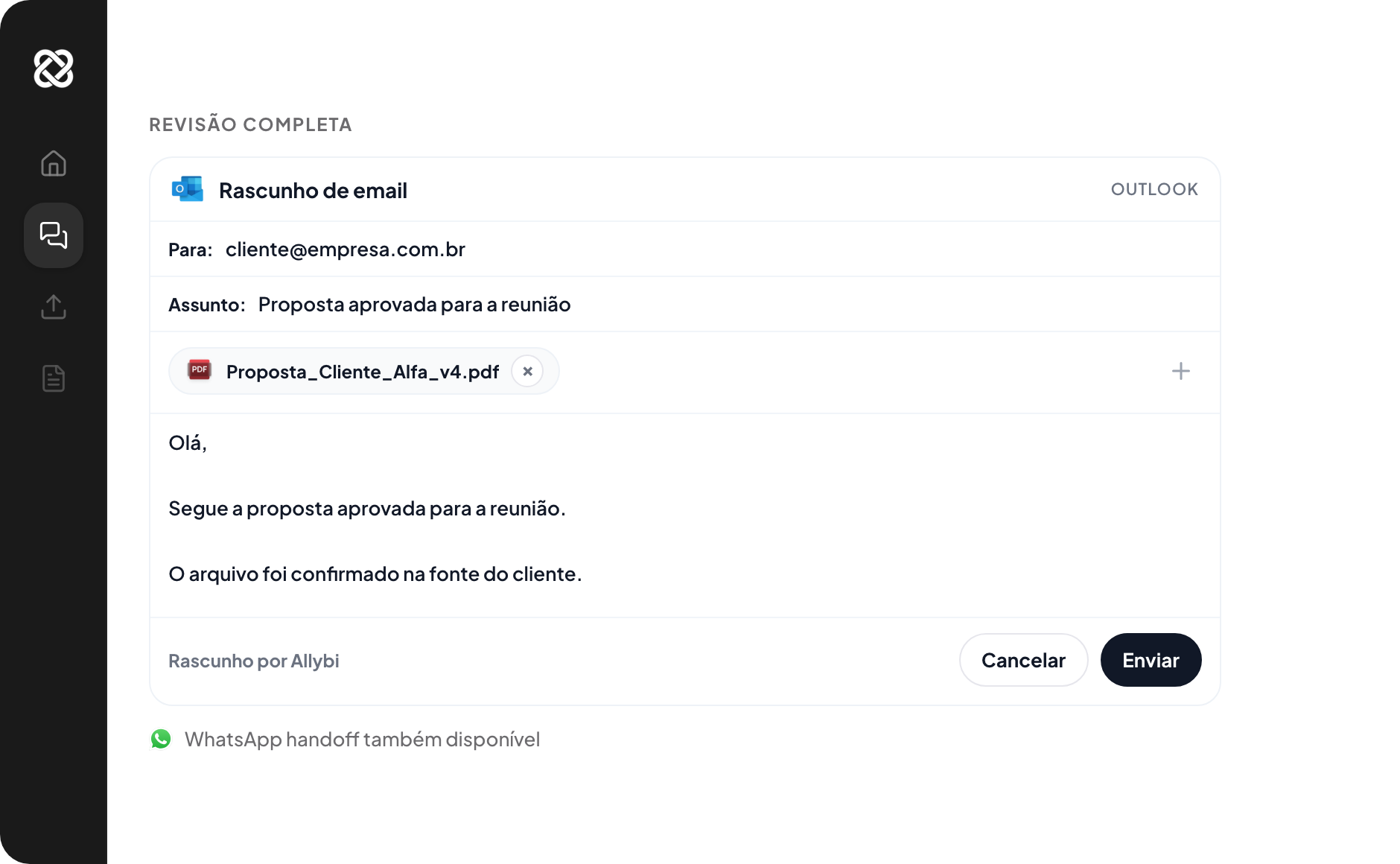
Arquivo, destinatário, mensagem e canal ficam no mesmo lugar.

Outlook fica pronto para enviar. WhatsApp aparece como handoff.

INTEGRAÇÕES
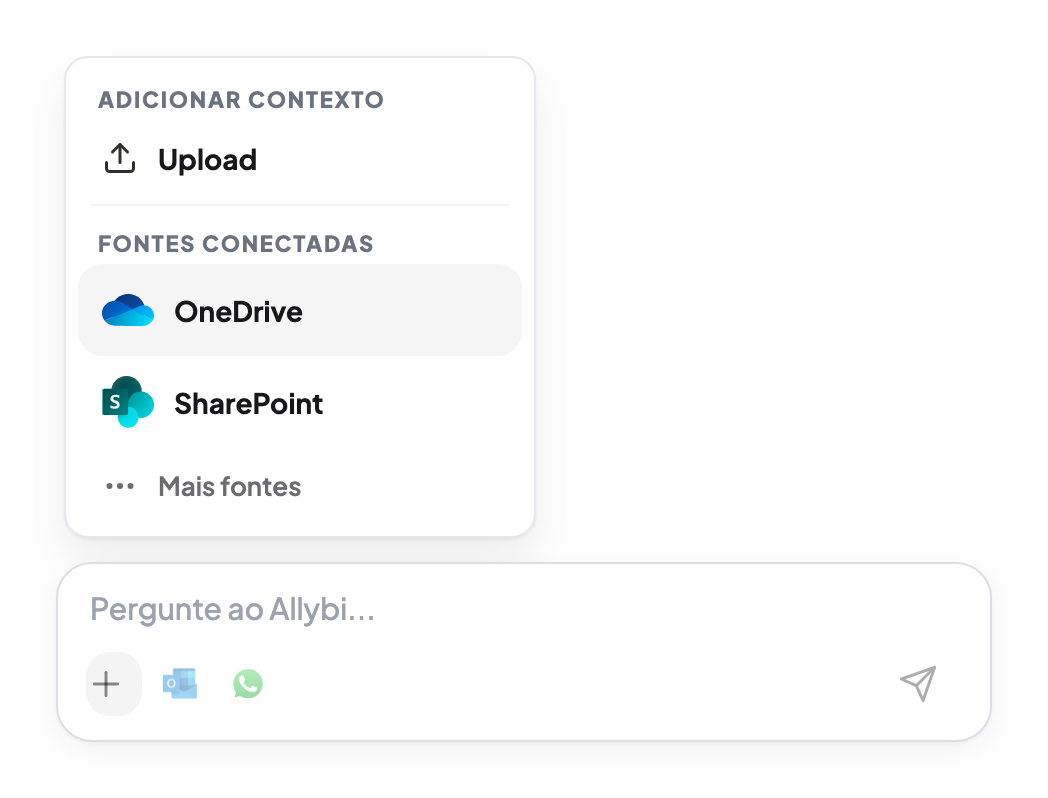
Outlook, OneDrive, SharePoint, Google Drive e uploads entram no chat. Depois da revisão, o e-mail sai pelo Outlook ou o WhatsApp abre como handoff.
ENTRAM NO CHAT
DEPOIS DA REVISÃO
ENTRAM NO CHAT

WHATSAPP HANDOFF
O Allybi prepara a mensagem e o link do arquivo, mas não lê nem sincroniza sua caixa do WhatsApp.
WhatsApp não é uma fonte conectada.
CASOS DE USO
Quando existe pressão, arquivo errado vira risco.
Compare versões, encontre a cláusula exata e leve a fonte para a revisão.
Ver para advogadosVeja o ARR, o período e a origem usada na resposta.
Ver para financeiroEncontre o SOW aprovado, os próximos passos e as fontes usadas.
Ver para operações


JURÍDICO
Antes da revisão do sócio
Compare versões, encontre a cláusula exata e leve a fonte para a revisão.
FINANCEIRO
Antes da reunião do conselho
Veja o ARR, o período e a origem usada na resposta.
OPERAÇÕES
Antes do retorno ao cliente
Encontre o SOW aprovado, os próximos passos e as fontes usadas.
SEGURANÇA
Documentos, perguntas e respostas ficam fora do treino. Cada integração precisa de autorização explícita. Nada sai sem revisão.
Criptografia em trânsito e em repouso. Workspaces isolados por projeto.
PRIVACIDADE
Perguntas, respostas e arquivos ficam fora de qualquer treino.
CONFIRMAÇÃO
Mensagem, arquivo, fonte, destinatário e canal aparecem antes do envio.
PERMISSÕES
Cada integração precisa de autorização explícita e pode ser removida.
O Allybi prepara a mensagem mas não lê nem sincroniza sua caixa.
PREÇO
Um plano para encontrar, confirmar e enviar o documento certo. Cancele quando quiser.
Conecte
Outlook, OneDrive, SharePoint, Google Drive e uploads
Pergunte
Documentos, e-mails, anexos e fontes conectadas
Confirme
Resposta com fonte e comparação de versões
Revise
Mensagem, arquivo, fonte, destinatário e canal
Envie
E-mail via Outlook com confirmação. WhatsApp abre como handoff.
PERGUNTAS COMUNS
Allybi connects sources, receives uploads, and turns your documents into a chat. You ask, get answers with source, and send emails via Outlook with confirmation. Or open WhatsApp as a handoff.
Yes. With Outlook connected, Allybi can prepare and send emails after your confirmation. Before sending, you review the recipient, the message, the source, and the attachment.
No. WhatsApp works as a handoff: Allybi prepares the message and opens WhatsApp for you to review and send. It does not read or sync your WhatsApp inbox.
30 days free. Then R$170/month.
No. You can start the free trial now. Teams that want to review security or permissions can talk to sales.
You review content, file, source, and recipient. Nothing goes out without your confirmation.
No. Documents, questions, and answers are never used to train models.
Today: Outlook, OneDrive, SharePoint, and file uploads. Gmail and Google Drive are next.
COMEÇAR
Connect a source or upload a file. Ask in chat, see the source, and review before sending.
Nada sai sem confirmação. Documentos não treinam modelos.
Cancele quando quiser.